Free
Texture Map
Generator
Professional texture tools for game developers, 3D artists, and digital creators. Create seamless textures, normal maps, and bump maps directly in your browser – fast, free, and 100% private. Your images never leave your device.
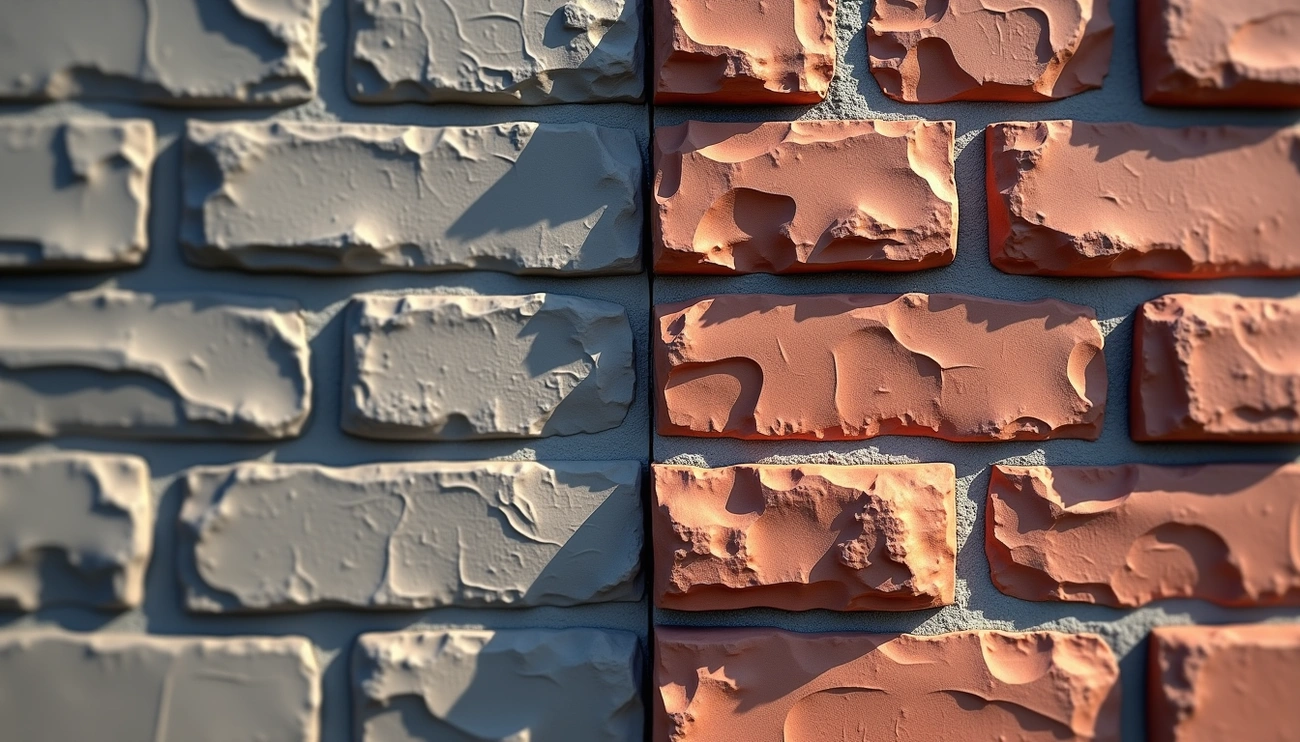
Texture Tools Suite
PBR Map Generator — Full Set
One image in, a complete PBR material out: normal, roughness, AO, 16-bit height and metallic, previewed together and downloaded as one ZIP.
- All five maps from a single upload
- True 16-bit height, no displacement banding
- Every map on one mesh at once
- One ZIP, full source resolution
Normal Map Generator
Convert any texture to a normal map for realistic lighting effects. Real-time preview.
- High-quality normal map generation
- Adjustable intensity and smoothing
- Real-time preview with lighting
- Optimized for game engines
Bump Map Generator
Turn any image into a grayscale bump map for cheap, convincing surface detail.
- Advanced level adjustment controls
- Real-time contrast adjustment
- Multiple output formats
- Instant 3D sphere and cube preview
Roughness Map Generator
Generate PBR roughness maps that control how sharp or blurred reflections are.
- Matte, polished and worn presets
- Output range clamping for realism
- Luminance, RGB or saturation source
- Live PBR sphere preview
Ambient Occlusion Generator
Estimate an AO map from any photo to add contact shadowing in cracks and seams.
- Cone-traced occlusion from luminance
- Adjustable radius and intensity
- Live AO strength preview
- Ready for Unreal, Unity and Blender
Height Map Generator
Create 16-bit height maps for terrain and landscapes — no banding on smooth slopes.
- True 16-bit grayscale PNG export
- Terrain and landscape ready
- Noise smoothing and levels control
- Live elevation preview
Displacement Map Generator
Dedicated displacement maps with 16-bit export and live mesh preview.
- Material displacement workflow
- Real geometry in the 3D preview
- Free online, no upload
- Blender and offline-renderer ready
Specular Map Generator
Build specular reflectivity maps from photos for gloss/spec PBR workflows.
- Highlight-based specular extraction
- Material presets and output range
- Instant PNG export
- Pairs with the roughness generator
Metallic Map Generator
Isolate metal areas into a clean PBR metalness mask with threshold control.
- Brightness or desaturation detection
- Soft-edge threshold masking
- Environment-lit metal preview
- Pairs with the roughness generator
Seamless Texture Generator
Make any texture tileable with advanced edge blending algorithms.
- Advanced edge blending algorithms
- Multiple tile size options
- Real-time preview with tiling
- Professional quality results
Curvature & Edge Maps
Convex and concave edge masks for wear, dirt and edge-highlight shaders.
AI Texture Generator
Generate unique, copyright-free textures from text prompts. In development.
Photoreal AI Rendering
AI rendering turns a sketch, photo, or 3D model into a photoreal image — interior, exterior, and product scenes with real materials assigned before render, keeping your original geometry and layout.
Why Choose Our Tools?
100% Private
Your images never leave your device. All processing happens locally in your browser.
Lightning Fast
Optimized algorithms provide professional results in seconds, not minutes.
Professional Quality
Used by game developers and 3D artists worldwide. Industry-standard algorithms.
Works With Your Pipeline
Exported PNG maps drop straight into any PBR workflow.
Texture Map Glossary
Albedo
The base color texture that defines the surface color without lighting or shadows.
Normal Map
A texture that stores surface normal information to add detail without increasing polygon count.
Roughness
A texture that controls how rough or smooth a surface appears, affecting light reflection.
Frequently Asked Questions
A texture map generator converts an image into maps used in 3D workflows—such as normal, bump, and seamless tileable textures—directly in your browser.
Yes. Your images never leave your device — processing happens locally in your browser, making it 100% private and secure.
Yes, the core generators are free to use in the browser. We may add paid limits or pro features later, but you can start for free.
You can upload common formats like JPG and PNG. Exported maps are typically PNG for quality and compatibility.
A normal map encodes surface directions (RGB) for realistic lighting, while a bump map is grayscale height detail. Normal maps usually look more convincing in modern engines.
Use the Seamless Texture Generator, adjust the tiling preview, and export the tileable result to avoid visible edges.
Yes, all processing happens directly in your browser. No server required — your images never leave your device.
Yes, you can use exported maps in commercial projects; please review our Terms for any usage limits or attribution notes.
Exported maps work with popular tools and engines like Blender, 3ds Max, Unreal Engine, and Unity. For best results, follow each engine's PBR workflow.